How do I make my server backup daily?

Has your server been stopping without saving?

Look no more! You can make daily backups of your server to prevent Grief and Server Loss!

So how do you make a daily backup?

1) Log into Multicraft
2) Go into 'Servers' and click your server.

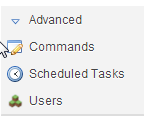
3) Go into Advanced > Scheduled Tasks


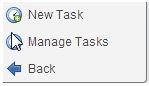
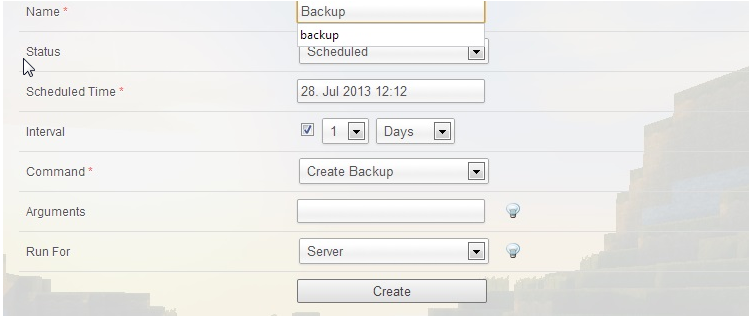
4) Click on Schedules Tasks and create a 'New Task' 


6) Put in information and ensure that the task is ticked for Interval at 1 day and command is 'Create Backup'


Hope the Tutorial helps you create backups for your server at ease!
Kas see vastus oli kasulik?

 Prindi artikkel

Loe veel

How do I add a new user for Multicraft?

To add a new user to your Multicraft account, you firstly must have the person sign up to the...

How do I keep my servers safe from 'Hackers' and 'Griefers'?

If your server is a private server, and has been trashed by people you don't even know, turn...

How to set up Bukkit?

To set bukkit up, follow these steps;   Go to your server in the Multicraft control panel....

How do I do "Permissions"?

Permissions is a plugin that allows you, to set a player(s), or the group(s) permissions. By...

How do I install Tekkit/FTB/Other Modpacks/Custom Jars?

For example, to install tekkit, follow these simple steps. Open up your Filezilla client and...

Powered by WHMCompleteSolution